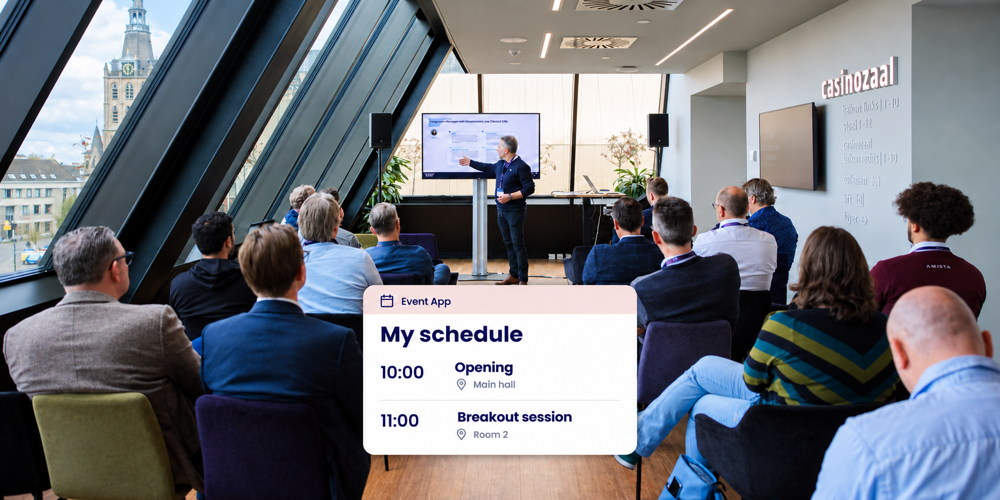
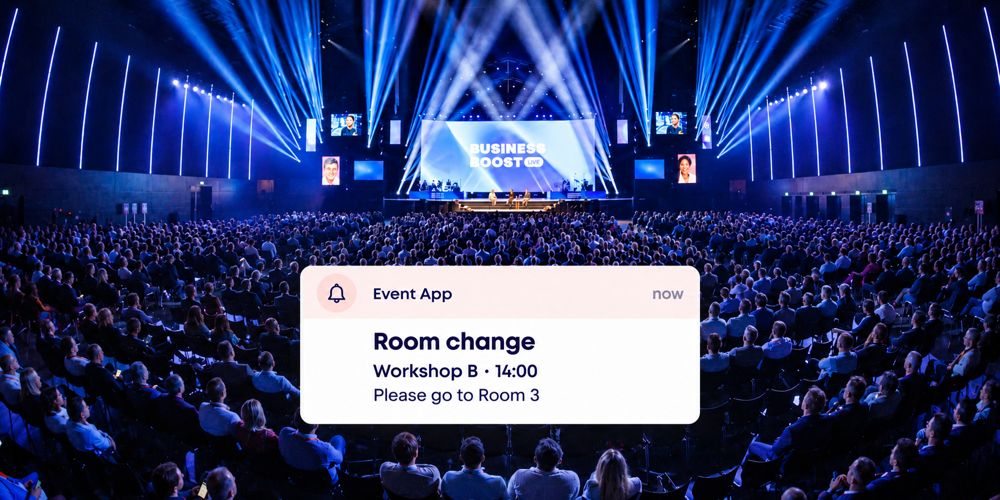
Session selection at a conference: parallel sessions with capacity limits

A capacity limit for conference registration refers to a maximum number of places per session, whereby the registration system automatically monitors occupancy and places participants on a waiting list if a session is full.
Annual conferences featuring parallel sessions often face a recurring challenge: room sizes vary, the schedule is packed, and predicting interest levels for specific sessions in advance is difficult. By allowing participants to make their own selections during registration, the system can monitor occupancy. Activo has been supporting this type of event—including medical and scientific conferences—since 1997.
Making choices during registration
Participants select their sessions while registering, creating their own personalized agenda. They can view the available sessions for each time slot and see how many spots remain. For paid registrations, they receive a PDF invoice alongside their e-ticket; see the online payment module.
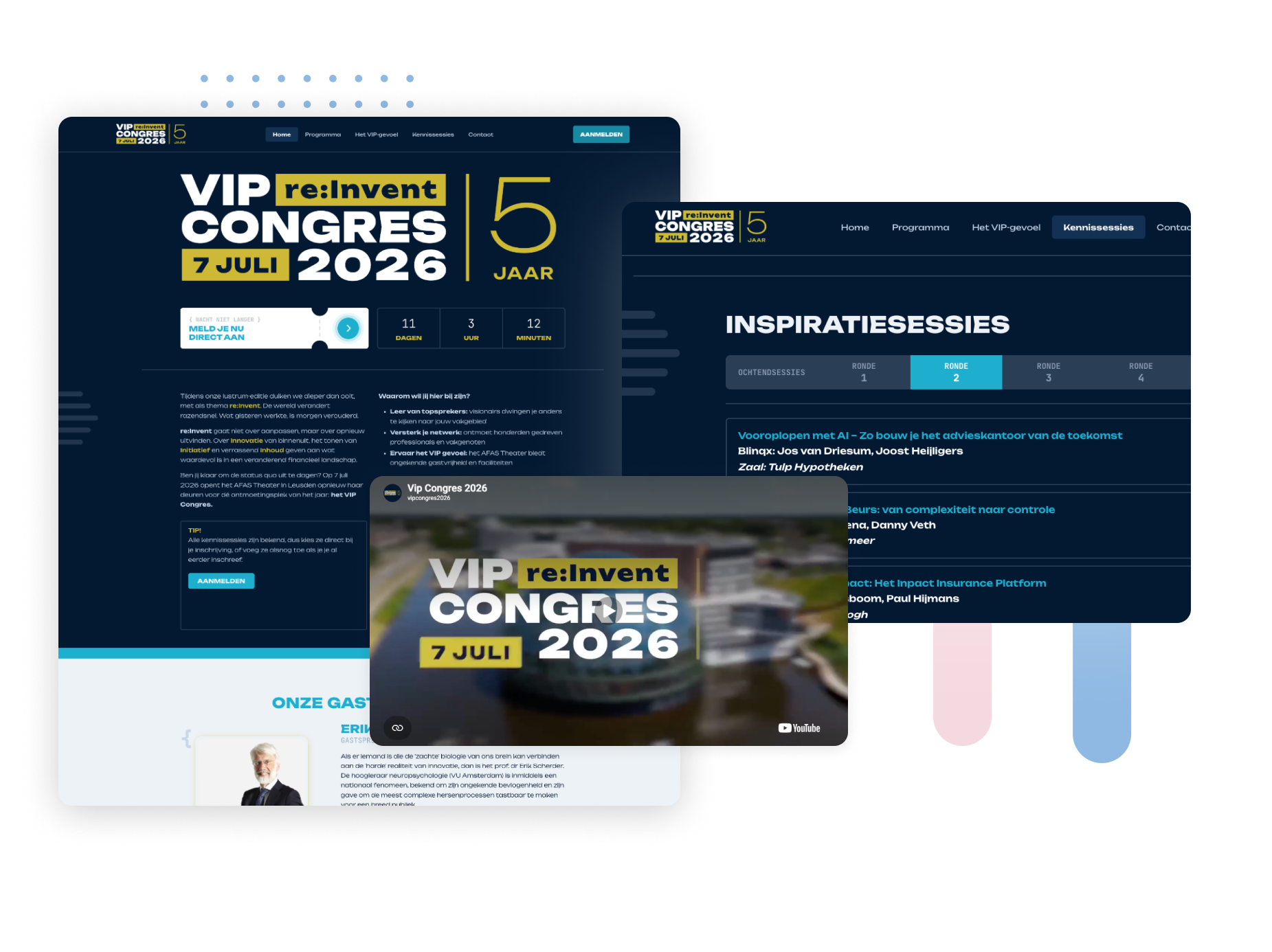
For conferences with a substantive program, we offer a medical conference platform designed to handle abstracts, accreditation, and paid registration. For the VIP Conference, registration, workshop selection, and access control were all integrated into a single workflow.
Room capacity as the starting point
Each session is assigned a capacity limit based on the specific room where it takes place. If a session fills up, the next person to sign up is placed on a waiting list and automatically moves up if a cancellation occurs.
This prevents situations where thirty people are standing outside a room with only twenty seats.Occupancy data is also valuable for the program committee in terms of content: you can see which topics resonate and adjust the room allocation or the program for the next edition accordingly.
Abstracts and the program
If your conference relies on submitted contributions, the process is handled via the abstract review module, which allows authors to submit their work and the review committee to evaluate it. LIMSC used this module for the world's largest biennial student conference.
At Amsterdam UMC, this was combined with an online poster platform and a hybrid broadcast, allowing online participants to watch without needing extra software via the Online Conference Platform.
From session selection to the conference day
The personal schedule is available in the Event App with e-ticket, alongside practical information and updates.
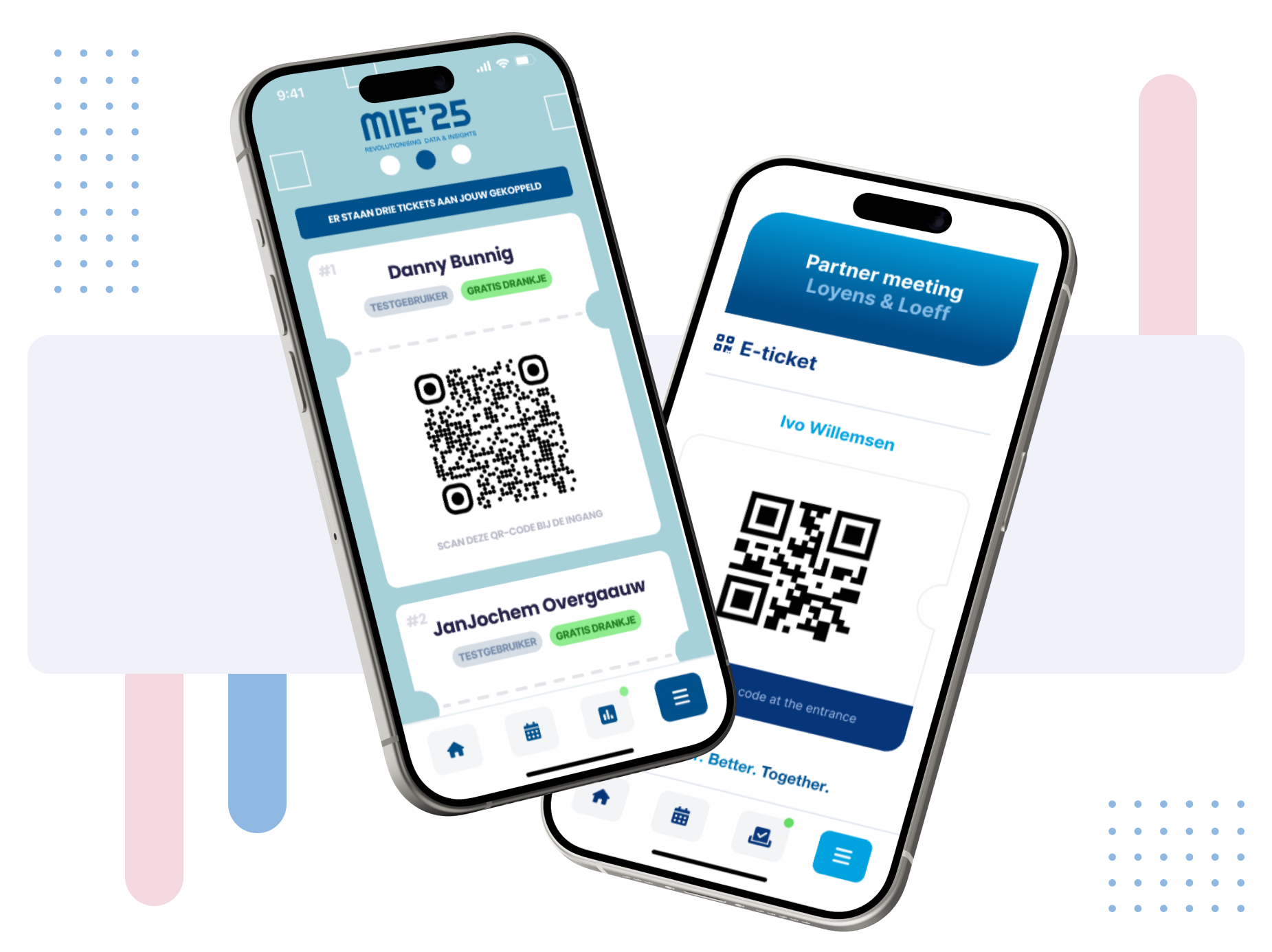
Upon arrival, the e-ticket is scanned and the badge is issued; see on-site access control. Since every scan is logged, you have an attendance list ready afterwards without needing to manually tally numbers. Participant data is processed in compliance with GDPR regulations.
Frequently asked questions about session selection at conferences
How do you manage parallel sessions with limited room capacity?
Can session selection be combined with paid registration?
What is a suitable platform for a medical conference with abstract submissions?
Can the program committee see how full each session is?
Can a conference also be streamed as a hybrid event?
Do you receive an attendance list for each session afterwards?
Are you organizing a conference with a full program and parallel sessions? Schedule a consultation with us, and we'll help you find the most practical setup for your event registration.
Schedule a short consultation