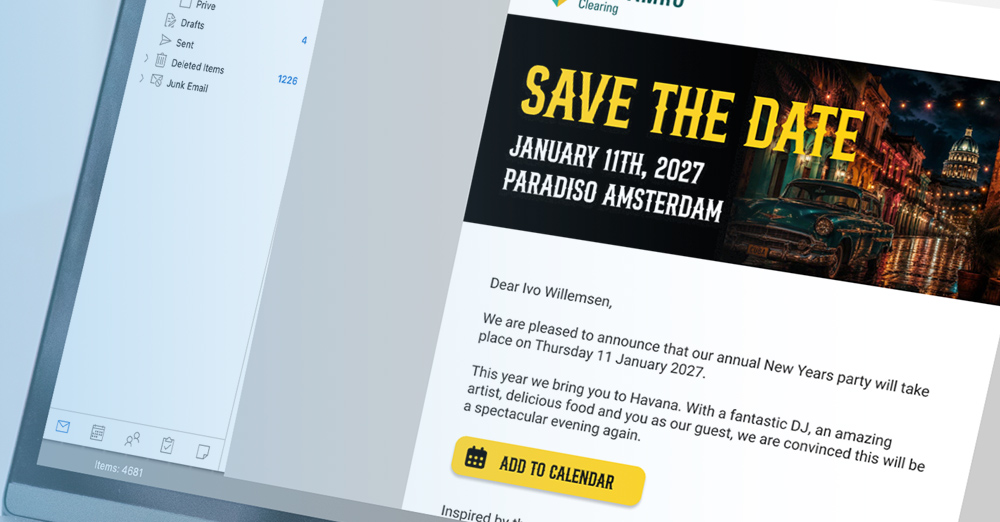
Save the date for a recurring event: securing the date before calendars fill up
A guest list is the file containing all the people invited to an event, including their target group and contact details, and forms the basis for invitations, registration, and the attendee overview.
For most corporate events, the guest list starts as a collection of separate lists. Sales provides customers, HR provides employees, and a colleague sends another addition by email. At that point, the question is not how to send invitations, but how to turn those lists into one workable file. Activo has been doing this since 1997 for events with approximately 300 to 1,500 attendees.
One file, multiple target groups
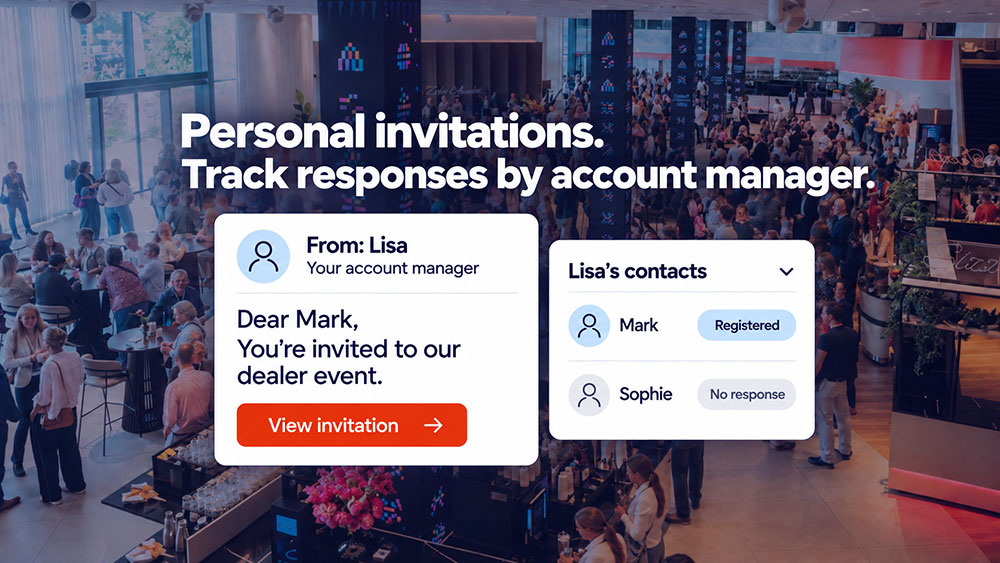
Combining separate lists into one file does not mean everyone receives the same invitation. For each guest, you record which group they belong to: customer, employee, partner, speaker, or press. That group then determines the wording of the invitation and the route through the registration form.
This way, you keep the target groups separate in terms of content while all responses come into one overview. That overview is the starting point for the entire online registration process and later for reception at the venue.
What to clean up before importing
An import is only as good as the file you put into it. Half an hour of cleanup beforehand prevents duplicate invitations and bounces during the process.
- Merge duplicate addresses, especially when lists are supplied by different departments
- Keep first and last names in separate columns so the salutation is correct
- Record which target group each guest belongs to
- Remove outdated addresses of former contacts
Also, only ask for fields that you actually use. Every additional field in the registration form costs registrations; you can read more about which data to request in the article on which data to request for event registration.
The list keeps changing until the event day
After the import, the real work begins. Registrations come in, people cancel, a customer sends a replacement, and another group may be added at the last minute. A guest list is therefore not a snapshot but a living overview.
Additions are added throughout the process, with a separate invitation for the new group. Anyone who has already been invited does not receive the same email again. This keeps the process manageable, even if the list continues to grow until the final week.
From guest list to attendee list
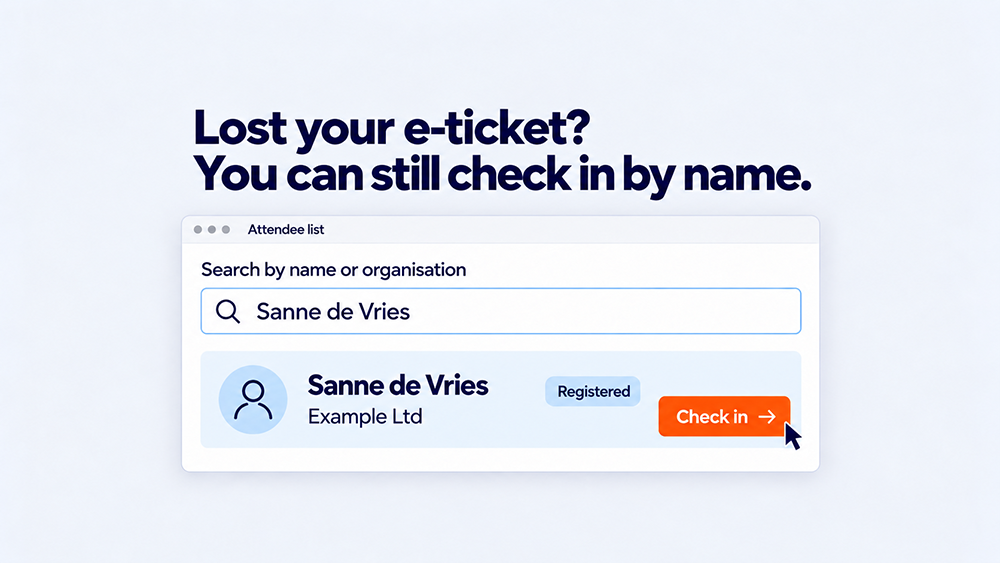
As soon as someone registers, they move from guest to attendee. That attendee receives a confirmation with an e-ticket, which is scanned at the venue when their badge and lanyard are issued. The name on that badge comes from the same file that you imported at the start.
That is exactly why cleaning up beforehand pays off. A typo in the import becomes a typo on a badge on the event day, which the attendee will be wearing all day.
Handling data with care
A guest list contains personal data belonging to customers and employees. Activo's platform is designed with GDPR requirements in mind and aligns with the privacy and security requirements set by corporate clients. For organizations such as Amsterdam UMC, Rijkswaterstaat, and the Dutch Judiciary, this is a prerequisite, not an afterthought.
Frequently asked questions about the save the date
How far in advance should you send a save the date?
Can the date be added to the invitee's calendar automatically?
Do you already ask for an RSVP in a save the date?
Does everyone receive the same save the date?
Can the save the date be designed in our corporate identity?
Practical advice for your event
Would you like to set up the invitation process for the next edition of your event? Request a consultation and we'll work with you to look at the structure and timing in a practical way.
Schedule a short consultation