How to report event attendance to your client
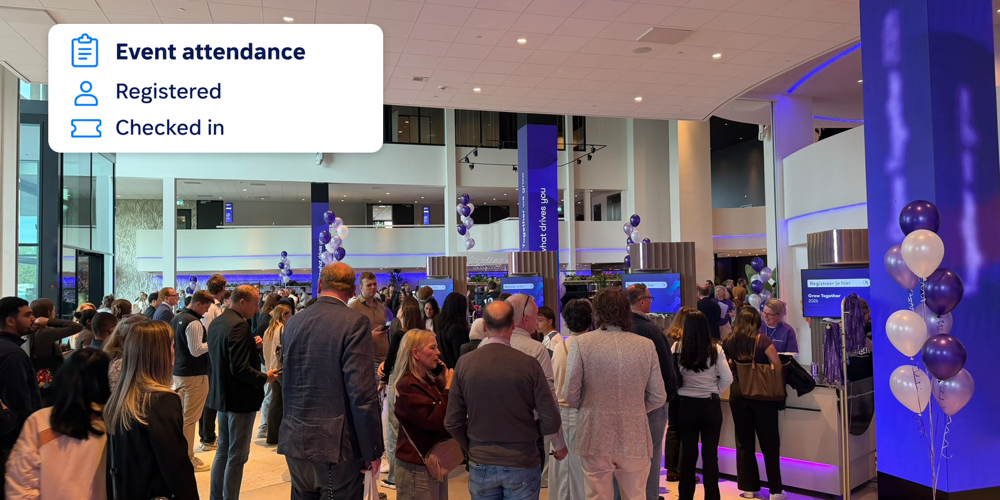
The check-in desk records who arrives. After the event, compare unique check-ins with the final registration list.
‘How many people came yesterday?’ Your client wants a figure they can pass on to their leadership team. Start with the number of individuals who checked in. Then say how many of those who registered in advance actually attended. Walk-ins count towards the first figure.
With Activo’s on-site check-in, you can follow check-ins as they are processed. Before the event, agree which figures your client needs the next morning. If they also want to know how many people attended a workshop, arrange to record attendance at that session.
How to calculate the attendance rate
Start with the confirmed registration list just before doors open. Process cancellations and substitutions so that a transferred place counts once. Divide the number of people on that list who checked in by the total number of confirmed registrations, then multiply by 100.
For example, 205 of the 250 people who registered in advance check in. That gives an attendance rate of 82% for that group. Another 7 people register and check in at the door, bringing total recorded attendance to 212. You can describe the remaining 45 as no-shows once you know the check-in record is complete.
Five figures for the event debrief
Lead with the total. Add the breakdowns that answer your client’s questions. Show the underlying numbers alongside each percentage.
- Attendance. Give the total number of people who checked in and the attendance rate among those who registered in advance.
- No-shows by group. Compare confirmed registrations with check-ins within each group, for example customers, dealers or partners.
- Check-ins by time slot. Group first check-ins into 15-minute intervals to see when the desk processed the most people. You need a separate measurement or observation to establish how long people waited.
- Session attendance. Compare workshop bookings with attendance recorded at the room entrance. If all you have is session choices, report the number of places booked.
- Late registrations and substitutions. Show how many people registered after the deadline and how many bookings were transferred. A replacement takes the original attendee’s place.
A short update your client can forward
Check with the desk team that manual check-ins, late arrivals and corrections have been recorded. Share the figures at the agreed time. Here’s what your client update could look like, using illustrative figures.
‘We checked in 212 people yesterday, including 7 who registered at the door. Of the 250 who registered in advance, 205 attended (82%). Next time we’ll put our extra host on badge collection from 8.45 to 9.00 am, when check-ins peaked and our desk team saw a queue building there.’
Report group totals for the internal debrief. Combine small groups where someone could otherwise identify individual attendees.
Turn the figures into a recommendation for the next event
Did fewer dealers attend than expected? Check the invitation list and ask the account manager what else was happening that week. Then consider whether a different date, a personal reminder or an easier way to cancel would help. See how to reduce no-shows at a conference.
Did check-ins peak just before the opening session? Ask the desk team whether a queue formed and where it started. There may have been plenty of scanners but a delay in finding badges. That detail helps you plan a faster check-in.
Frequently asked questions about attendance reporting
How soon can I send the figures to my client?
What should I put at the top of the report?
How do I count late arrivals and repeat scans?
Can I report workshop attendance from the booking list?
Can I compare turnout with the previous event?
Should I include the attendee list?
See how attendance reporting could work for your event
What will your client ask the morning after the event? Include that question when you request a demo. We can show you how to set up registration and check-in to collect the figures you need.
Request a demo