Setting up the check-in desk: how to prevent queues at the entrance
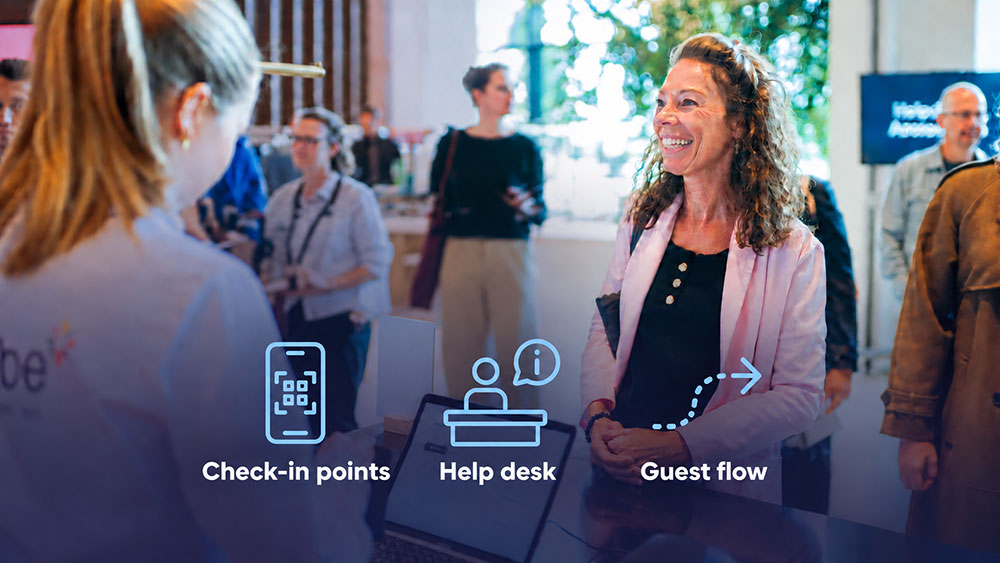
The check-in desk is the reception setup at the entrance of an event where participants have their e-ticket scanned and receive their badge with lanyard, and it plays a key role in the flow of arrivals.
An event with 800 participants typically begins with a half-hour during which almost everyone arrives at the same time. Whether that half-hour runs smoothly depends not on the software, but on the setup at the entrance: how many desks there are, how they are arranged and who is staffing them. Activo has been managing event reception since 1997.
Plan for a peak, not an average
The classic calculation mistake is to base the setup on the total number of participants divided by the arrival period. In reality, most people arrive in the twenty minutes before the event starts, often in line with public transport arrival times or the moment when the parking garage fills up.
Use this peak as the starting point when determining the number of check-in desks. The impact of a fast check-in on the event experience is described in the article about fast check-in and the event experience.
The setup itself
A good check-in desk setup does three things: divides the queue, processes the scan quickly and hands over the badge immediately.
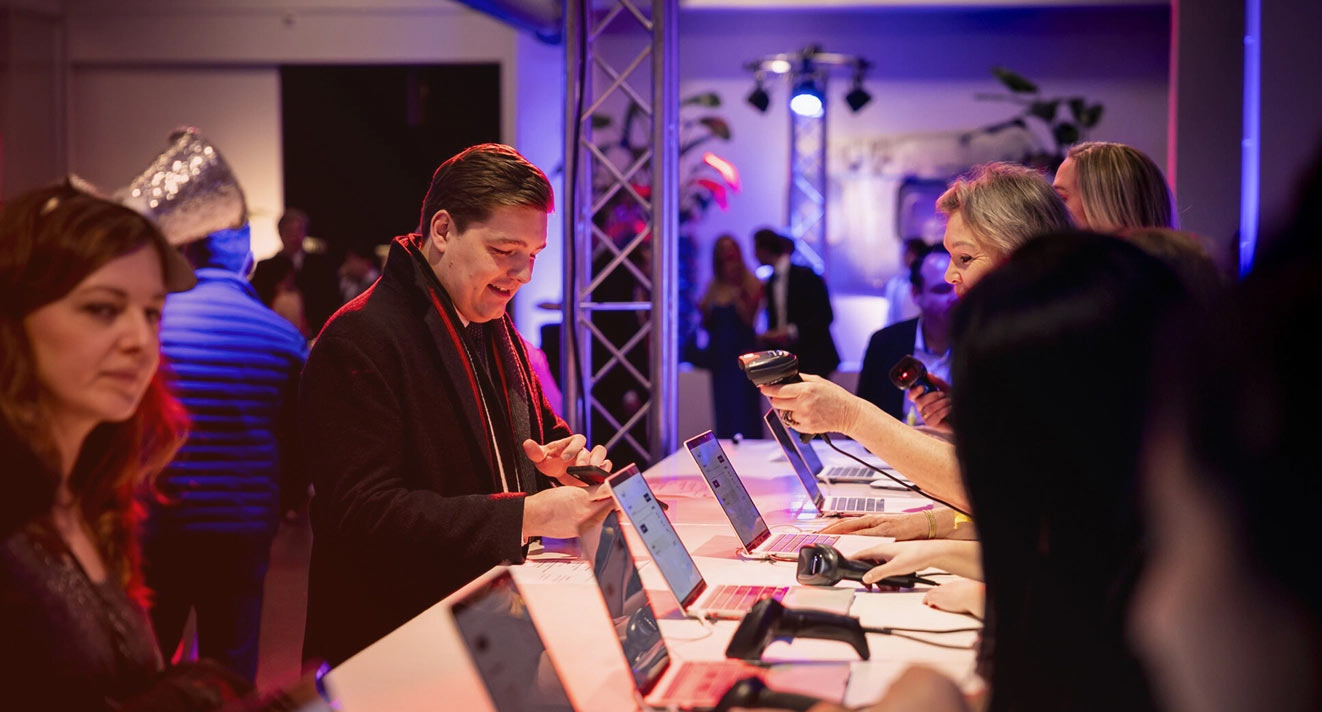
- Multiple scanning points next to each other instead of one central desk
- A separate desk for participants who do not have their e-ticket with them
- Clear signage from the entrance so people know where to go
- Space behind the desk for the badges, sorted in a logical order
That separate desk for exceptions is more important than it may seem. One participant who has lost their ticket can otherwise hold up the entire queue. At Activo, the participant is looked up in the registration system and checked in, without disrupting the flow. You can read about how the scanning itself works in the article about scanning QR codes at the entrance.
Multiple audiences at the same entrance
Speakers, press, guests and staff often enter through the same entrance but have different badges and sometimes different access rights. By recording this in the registration system in advance, the hostess can immediately see which group a participant belongs to when scanning their ticket. The access control at the event venue handles this for each target group.
Speakers and VIP guests often also have their own access route, so they do not have to queue with everyone else.
Staffing and support
A check-in desk is only as fast as the people staffing it. Hostesses must be able to work with the scanning app without additional explanation, and someone needs to step in when something goes wrong. An Activo project manager is present on-site to support the hostesses and handle any questions.
For you as an event manager, this means peace of mind at the moment you need it most. During the arrival period, you can also see live how many participants have checked in, so you know whether you can start on time.
Frequently asked questions about setting up the check-in desk
How many scanning points do I need at the entrance?
What happens if a participant has forgotten their e-ticket?
Is any additional equipment needed for scanning?
Can I see how many people are inside during the arrival period?
Is Activo present at the reception?
Practical advice for your event
Want to set up the reception for your next event properly? Request a demo and we'll show you the platform in practice.
Schedule a short consultation