Access control across multiple venues with one clear process
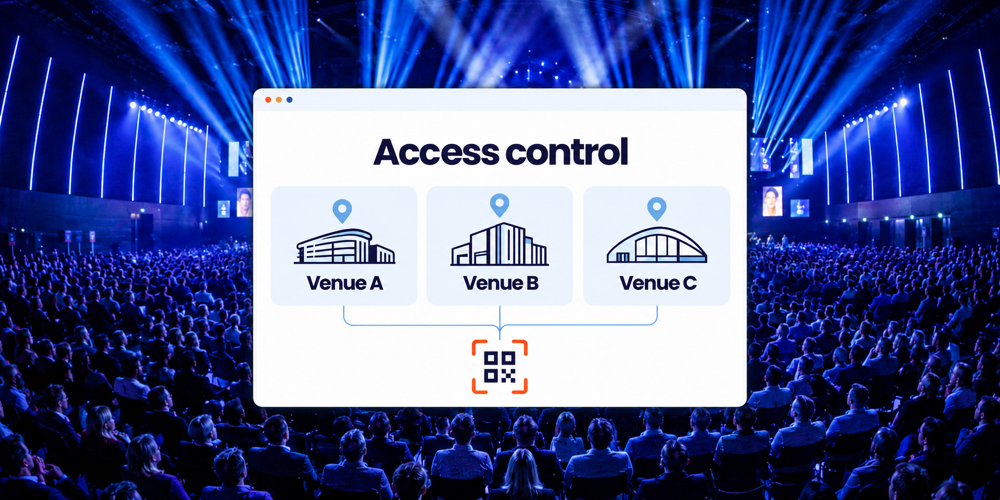
A knowledge-sharing day across two buildings or a client event at several offices needs a clear welcome at every location. Participants need to know where they are expected. Local teams need to know who they can admit, while you maintain an overview of the whole event.
Access control across multiple venues brings registration, access permissions and reception procedures together. Activo helps you determine which setup fits your participants’ routes. This lets you coordinate changes centrally and gives each team useful information for its own venue.
Start with your participants’ routes
Several entrances to one building require a different approach from programmes in different cities. First, establish what you want to organise:
- Several entrances to the same programme: participants can arrive through different scanning points.
- A programme spread across buildings: participants move from a morning plenary session to their chosen afternoon venue.
- An event at several offices: participants register for one location and stay there throughout the programme.
This distinction determines which access you check and what attendance you need to record. A central registration process can provide a useful foundation. For entirely separate events, a different structure may be more suitable. We discuss that choice with you in advance.
Connect the venue choice to the registration
Record which venue, day and any relevant session each participant has registered for. This may follow a choice in the form or a previously assigned participant category. The confirmation gives the correct address, arrival time and, where needed, directions to the next venue.
Those same arrangements need to carry through to access control. Your reception team needs a clear venue label and must know which admission rules apply there. We agree how scanning points and the required overviews should be configured.
A QR code does not automatically give access to every programme element. It refers to a registration; the recorded permissions and checks determine whether someone can enter at that point. Read more about access control at the event venue.
Handle venue changes within the existing registration
Suppose a colleague attends a plenary session in building A, followed by a workshop in building B. That second arrival is an expected part of the programme. You want to record the same person attending both parts without creating a second registration.
Agree in advance what each scan means: first arrival, session admission, departure or re-entry. A central participant list alone does not determine whether a repeat scan should be accepted, flagged or blocked. That depends on the configuration and the arrangements for your event.
If someone changes venue shortly before the event, check the available space, access permissions and confirmation as well. Make sure the local team has the updated information. The change then remains managed in one place and the participant receives consistent instructions.
Be clear about what the overview shows
For internal reporting, distinguish between the number of people registered, the number who have checked in and the number currently present at a venue.
Processed scans can be followed live through online access control. For a useful breakdown by venue, each record needs to identify the relevant location and scan activity. We establish which breakdown you need and how your team will use it.
A check-in records an arrival; it does not continuously measure occupancy. To track current attendance at each venue, departures and re-entry must also be recorded consistently. Adding together visitors to buildings A and B can count someone twice if they visit both. Agree how you will report unique participants as well.
Use the figures to support decisions about reception, catering and the programme. Enforcing an occupancy limit also requires clear admission rules and an appropriate process for recording arrivals and departures.
Give each venue a contact person and working equipment
You do not need to coordinate every reception desk yourself. A local contact at each venue and a central coordinator make it clear who reviews a change or calls for help. Agree who may change access permissions and who makes that decision on behalf of the organisation.
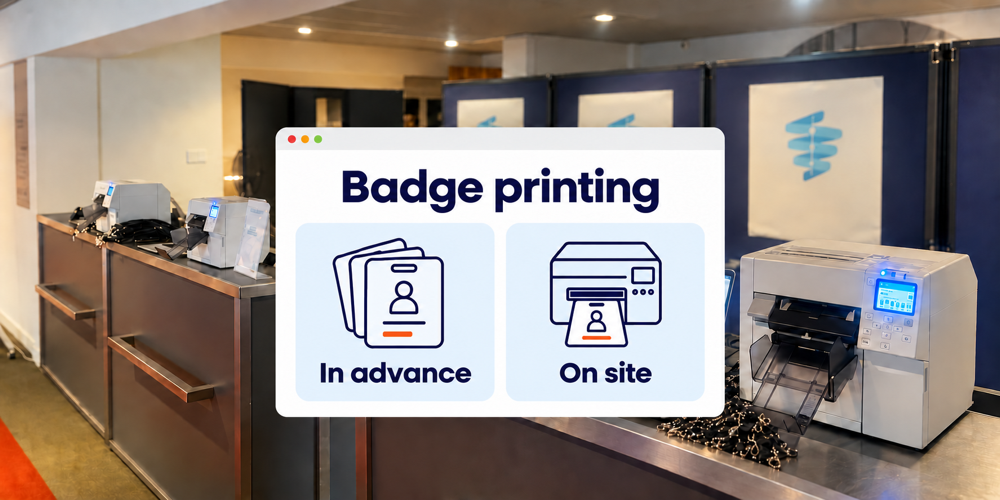
Activo’s Scan App works online. Check the internet connection, suitable devices, power supply and any badge printers at every venue. Agree which backup provision or temporary procedure is available if a connection fails.
We discuss which tasks your own teams will handle and where Activo’s on-site support is needed. Record the staffing and hours for each location. Decide which participant details staff need too; every local team does not necessarily need access to all the data.
Test the full process before reception opens
A joint test shows whether registration, scanning points and instructions work together. Run through a normal arrival, a planned venue change and a repeat scan. Include a forgotten e-ticket and a participant arriving at the wrong building.
Then check that the registration and overview show the expected results. Does the team know what it can resolve and when to ask for a decision? Are the directions given to participants correct? This preparation helps every venue start from the same agreed process.
Frequently asked questions about access control across multiple venues
Can one e-ticket be used at several venues
Does a central list prevent ticket sharing
What happens if someone arrives at the wrong venue
Can the venues be in different cities
Discuss reception across your venues
Share your venues, programme and expected participant movements with us. Include the changes that commonly arise and what you want to report to colleagues or management during the event. We help you align registration, access checkpoints and support. Each venue gets a workable approach, while you retain an overview of the whole event.
Arrange a consultation about access control across multiple venues