An event software demo for your event agency
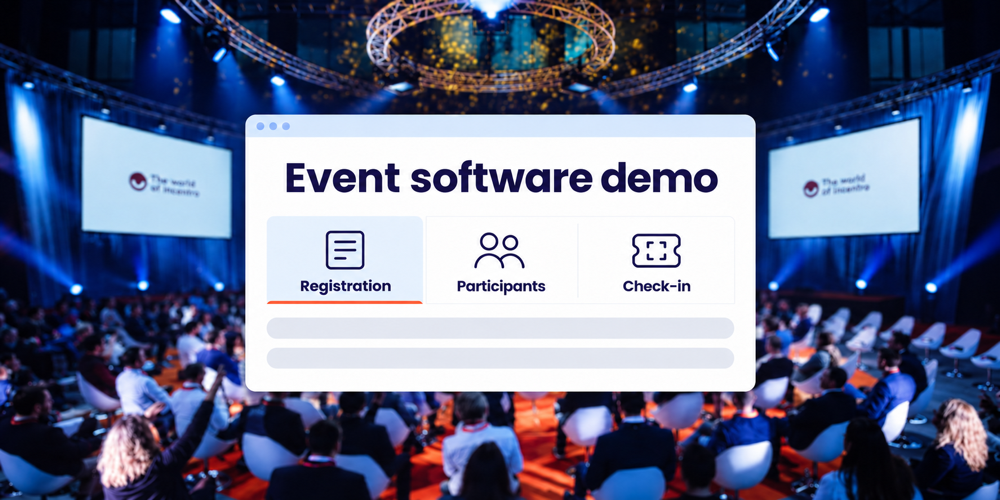
A useful event software demo helps you decide how to organise your client’s next event. You see how participants register, how your team keeps track of bookings and what support you need. This gives you a sound basis for your client proposal and a clear view of the work your agency will handle.
At Activo, we tailor the demo to the solutions and questions relevant to your event. We discuss the working relationship as well as the software: what you manage, what we deliver and which decisions still need to be made.
Start with a short event brief
You do not need a complete event plan. An upcoming event, or a familiar previous edition, provides enough context for an initial conversation. Useful details include:
- The type of event, proposed date and expected number of participants.
- The participant groups and any differences in programme or access.
- What your agency wants to manage and where you need support.
- Two or three situations that required considerable coordination last time.
An existing form, programme or brand example can help. Real participant data is not needed for an initial discussion; an anonymised example is usually enough.
We use this information to select the relevant parts of the demo. You do not need to wait until every decision has been made. The open questions can help clarify which setup would suit your event.
Decide how you want to work together
Does your team want to set up and manage recurring events, or are you looking for a partner to handle more of the setup and delivery? That distinction determines what you need to see in the demo.
With Activo NEXT, you can manage events, registration pages and communications yourself, with support where needed. If you prefer to outsource more of the work, we discuss a managed approach. A combination is possible too. We consider your event calendar, available people and commitments to your client.
Follow three practical scenarios during the demo
A concrete scenario shows how the different parts connect. Choose the routes you want to discuss in advance and agree what needs to be available during the demo.
A participant registers
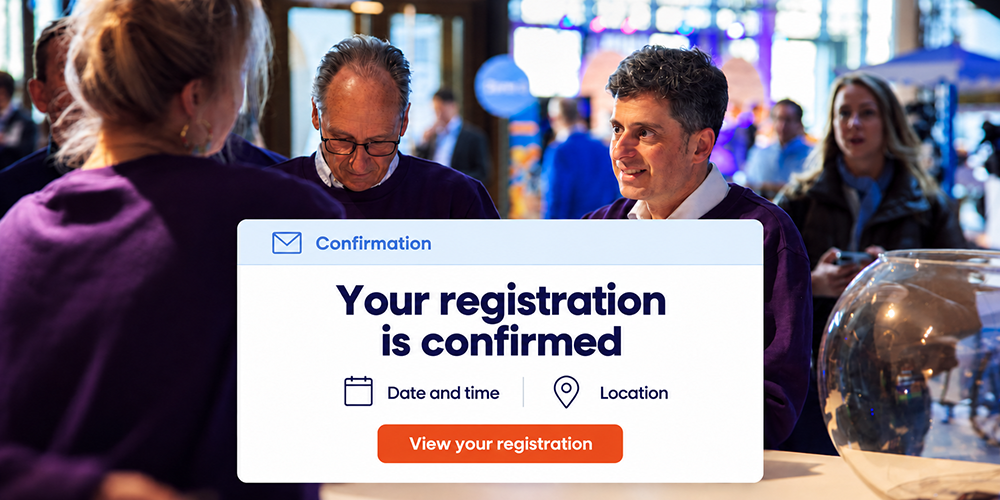
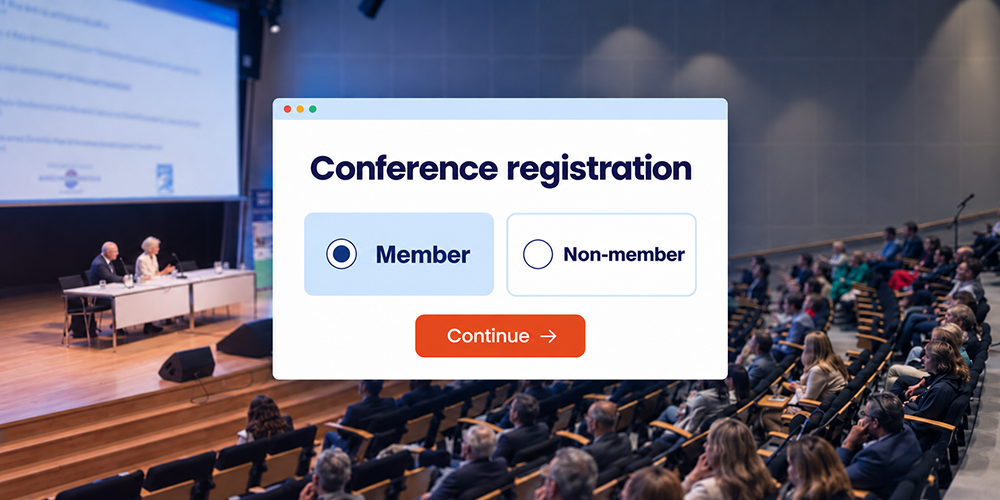
Take a client event with guests and speakers. Look at the questions each group receives, how session selection works and which confirmation follows. Review the participant overview too: can your team find the information it needs for the preparations?
Then ask who sets up the form, who checks the content and how changes are communicated. This helps you assess both the participant experience and the work involved for your project team.
A participant changes sessions
Discuss how a change to an existing registration is handled. What happens to the original reservation, capacity in the new session and the information sent to the participant? Who makes the change: the participant, your agency or Activo?
Include a fully booked session in the discussion. Offering an alternative or a waiting list requires clear arrangements for availability and communication. You want to understand which process you can commit to with your client.
A guest arrives without a ticket
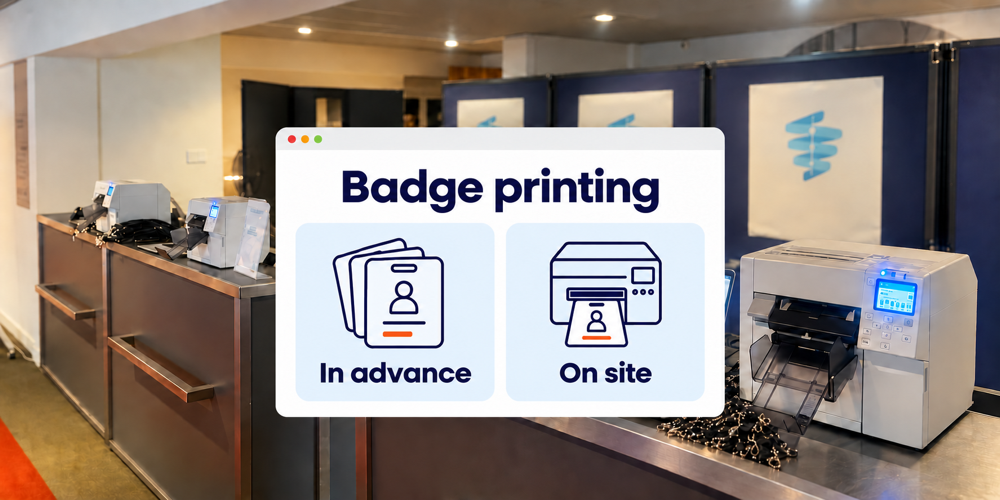
Discuss the route from arrival to admission. How does the reception team find a registration, which details do they check and when do they ask for help? If you want badge printing, we also discuss the necessary setup and equipment.
If you want to see scanning or badge printing in action, mention this when requesting the demo. We agree how it can be demonstrated. A demo explains the workflow; before the event, the actual setup, equipment and connection still need to be checked at the venue.
Review branding and data for each client
An agency needs a solution that can serve different clients. Look at how branding, sender details and participant communications are configured. If you want to see an example using a specific client’s branding, agree this in advance. It may require additional preparation.
Discuss who can view participant data, what can be exported and how different clients’ data stays separate. If IT or procurement has additional requirements, gather them for the follow-up discussion. A demo shows the workflow; arrangements for access, data processing and retention need to be documented separately.
Agree responsibilities and costs
You can build a workable schedule and budget once it is clear who will do each part of the work. After the demonstration, discuss delivery as well:
- Preparation: who supplies copy and design, who sets things up and who approves them?
- Support: who helps with questions and changes, and when is that support available?
- Event day: which staff, equipment and instructions are needed at reception?
- Costs: which elements are included in the proposal and which require additional work?
The presence of an on-site project manager is agreed for each event. The same applies to responsibilities, hours and coordination with your client. This keeps your agency in control and makes clear what you can rely on Activo for. Read more about on-site event support.
An example of self service with support
For the Sports Business Center, Activo worked with Interaction Matters to develop a platform for registration, communication and access control. SBC and affiliated companies can manage events themselves, while Activo remains available for advice, setup and support.
That combination is a useful topic for your demo: which tasks would your agency like to repeat through its own established process, and where would support add value?
Frequently asked questions about an event software demo
How long does a demo take
Can we try the software ourselves
Can my client join the demo
Request a demo for your next event
After the demo, you want to know which approach fits, how responsibilities are divided and what still needs investigating. From there, we make the next step concrete, such as a detailed proposal or a further discussion about the setup. Share your event idea and the questions that matter to your agency. We help you develop an approach you can explain to your client and deliver with your team.
Request an event software demo