Check name details on badges before printing
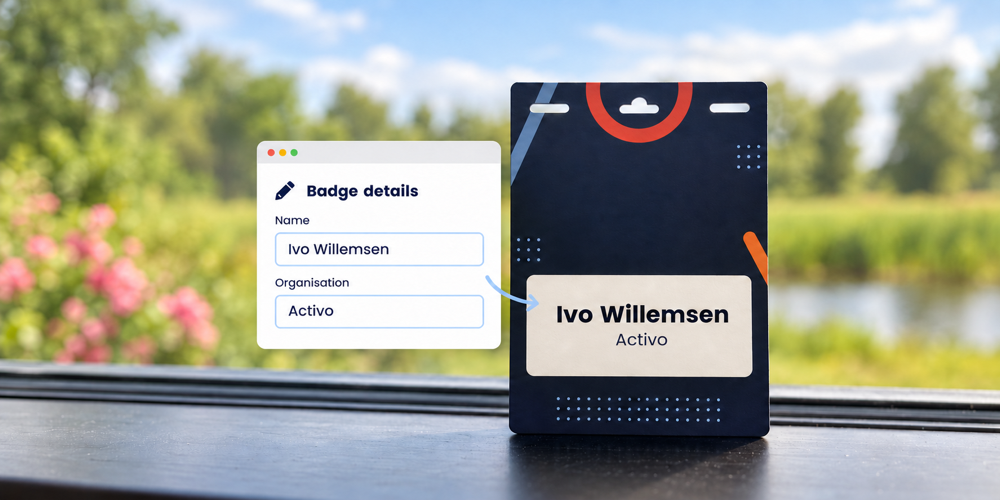
A readable badge helps attendees address one another by name. Getting the name and organisation right contributes to a professional welcome. You can reduce correction work by agreeing which details belong on the badge, asking attendees to check their own information and using one current registration record as the source.
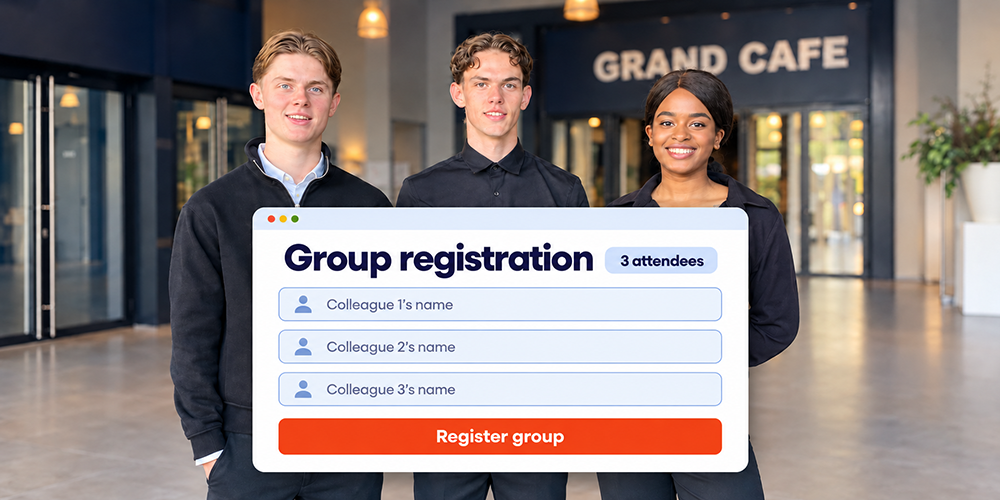
At a client event or an internal knowledge-sharing day, registrations often come through several people. A colleague provides a guest list, an assistant registers someone and an attendee later requests a different organisation name. A consistent process helps you stay in control when details change close to the event.
Activo produces personalised badges using registration data. We help you consider the design and how badges will be issued. The following steps explain how to carry name details accurately from registration through to the badge.
Decide which details your attendees need
Start with the purpose of the event. At a client event, a name and organisation are often enough to start a conversation. At an internal knowledge-sharing day, a department may be more useful than the company name. Add a job title or role when it helps attendees and fits legibly on the badge.
Agree this with your internal stakeholder before registration opens. That saves your team from requesting missing details later. Also distinguish between information you need to organise the event and information everyone should see on a badge. A phone number, dietary requirement or internal attendee category usually does not belong there.
Ask for the name the attendee wants to use
Make it clear in the form which details will be printed on the badge. For example, ask for the first name the attendee uses and their surname. If another part of the event requires a formal name, agree how to distinguish it from the preferred name on the badge.
Separate fields can help with layout, provided they suit your attendees. International names do not all follow the same structure of first name, surname prefix and surname. Check that your chosen setup supports compound names, accents and different naming conventions.
Use the spelling confirmed by the attendee as your starting point. Automatically capitalising every word can introduce errors in surname prefixes, family names and brand names. Do not change these details simply because they look different from the rest of the list.
Ask attendees to check their details
Include the details intended for the badge in the confirmation or a message before the event. Ask a specific question: “Are your name and organisation shown as you would like them to appear on your badge?” Explain how to request a correction and the deadline for doing so.
If attendees can edit their registration for your event, explain which link to use. Otherwise, provide a clear point of contact. A visual badge preview may help, but a summary of the text to be printed also provides a useful check.
This step is particularly valuable when a colleague or assistant has registered someone. Where possible, send the details to the attendee themselves for review. They can confirm the preferred name, title and organisation.
Record changes in the existing registration
Agree who processes corrections and where the current details are held. A change received by email needs to reach the registration record used to produce the badges. Updating only a separate print list makes it harder to identify the correct version later.
Use the existing registration when correcting a detail. If another person is attending in place of the original attendee, treat that as a replacement and check the related registration details too. Your team then retains a clear picture of who is coming.
Suppose a guest requests a different organisation name the day before the event. For on-site printing, the updated registration needs to be available when the badge is issued. If the badge has already been printed, someone must also arrange a replacement and remove the old badge from the stock awaiting collection.
Check the layout with real exceptions
A correctly entered name can still be difficult to read in print. Test the design with a long name, a long organisation name and names containing special characters. Review a proof at the final size and, where agreed, using the selected material and printer.
In particular, check:
- Whether the name and organisation are easy to distinguish and have sufficient contrast.
- Whether long text wraps neatly without being unintentionally cut off.
- Whether accents and other characters display correctly in the selected typeface.
- Whether empty optional fields leave awkward gaps or stray punctuation.
Avoid repeatedly shrinking the text to make everything fit. An extra line or a shorter organisation name confirmed by the attendee may work better. A recognisable organisation name is usually more useful on a badge than the full legal company name.
Agree the review deadline and correction process
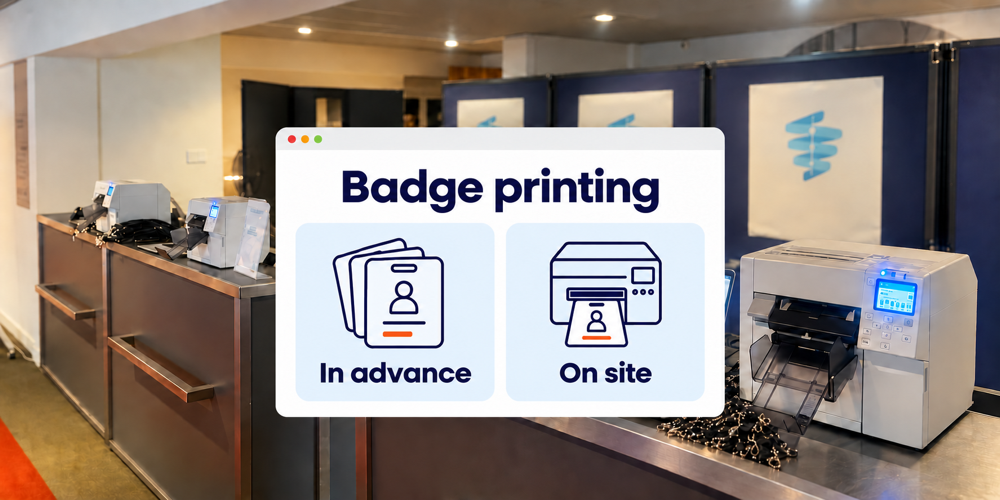
For badges printed in advance, agree with the supplier when the data will be approved for printing. The timing depends on production, quantities and delivery. Establish who performs the final check and how changes after approval will be handled.
With on-site printing, check the data and layout before the event as well. The ability to make later corrections does not replace that preparation. Give the reception team a straightforward process for changes so that not every question comes back to you.
If you combine preprinted badges with on-site corrections, explicitly agree whether a printer, materials and support will be available. Activo offers badges and on-site printing for changes and late registrations, among other needs. We agree the appropriate setup with you for your event.
Frequently asked questions about badge details
Does the badge need to show a formal name
How should you handle titles
What happens if a badge is wrong on the day
Plan badge checks around your event
Would you like your team to stay in control when details change at short notice? Tell us about your event, how many attendees you expect and how you plan to issue badges. We can help you consider the registration details, the layout and the support that suits your reception.
Discuss badge checks for your event