7 event registration mistakes and how to avoid them

Event registration may seem simple: someone completes a form and appears on the list. In practice, it is often a chain of choices that directly affects conversion, overview and experience.
These are seven common mistakes that make events unnecessarily complicated.
1. Too many required fields
Only ask for what you truly need. Every extra field raises the threshold. Distinguish between essential information and information that can be requested later if needed.
2. No mobile optimisation
Many participants open invitations on their phone. A registration registration page that works poorly on mobile costs registrations. Designing mobile-first is therefore not a luxury, but a basic requirement.
3. Unclear confirmation emails
After registration, participants want to know immediately: am I registered, where do I need to be, what should I bring and will I receive an e-ticket? A strong confirmation email prevents support questions.
4. No reminder flow
Without reminders, an event disappears into busy calendars. A good reminder flow helps keep participants engaged and improves attendance.
5. Working with separate Excel lists
Excel may seem convenient, but with multiple target groups, changes and check-in, it quickly becomes vulnerable. Version control, duplicate data and manual corrections take a lot of time.
6. No plan for last-minute changes
Participant lists change until the very last moment at every event. Make sure changes can be processed easily without losing overview.
7. Thinking about check-in too late
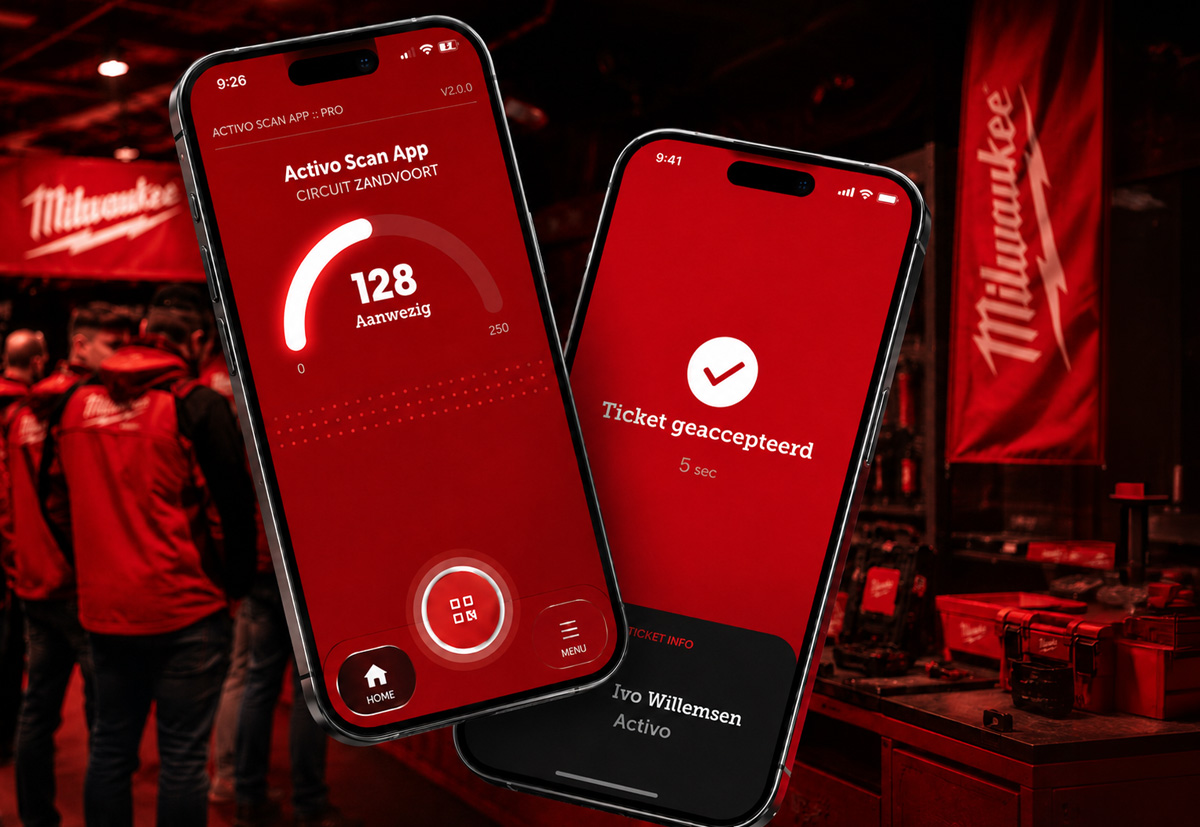
On-site welcome should be considered while setting up registration. E-tickets, badges, scan points and participant lists must logically connect.
Conclusion
Professional event registration prevents friction before, during and after the event. By making the right choices early, you create more calm for participants and for the event team.